
Computer Storage Basics
Understanding computer storage basics can simplify your digital life and free up memory on your devices. Devices slow down when they run out of storage, and most people’s device memory is bloated with unused files.
We’ll explain the basics of computer data and how that data is stored so you can manage your phone and computer storage effectively.
Computer Storage Basics: Bits & Bytes Explained
Phones and computers run on billions of electrical 1s and 0s orchestrated by microchips. This binary system uses the presence or absence of an electrical signal to indicate information.
Think of binary points as light switches. On is 1, off is 0. A massive skyscraper with thousands of switches controls complex functions. When the device is running, billions of binary points produce everything on your screen.
When power goes out, switches stay fixed—that’s your device’s storage. Saved data remains fixed even when not in use.
Bytes, Kilobytes, Megabytes, Gigabytes, Terabytes
Each binary point (1 or 0) is a “bit,” the smallest unit of data. A “byte” is 8 bits. Manufacturers use multiples of 1,000 for marketing, but actual units multiply by 1,024.
Here’s a breakdown of data units:
- Bit: 1 unit
- Byte: 8 bits
- Kilobyte (KB): 1,024 bytes
- Megabyte (MB): 1,024 Kilobytes
- Gigabyte (GB): 1,024 Megabytes
- Terabyte (TB): 1,024 Gigabytes
Your Personal Computer Storage (Phones & Home Computers)
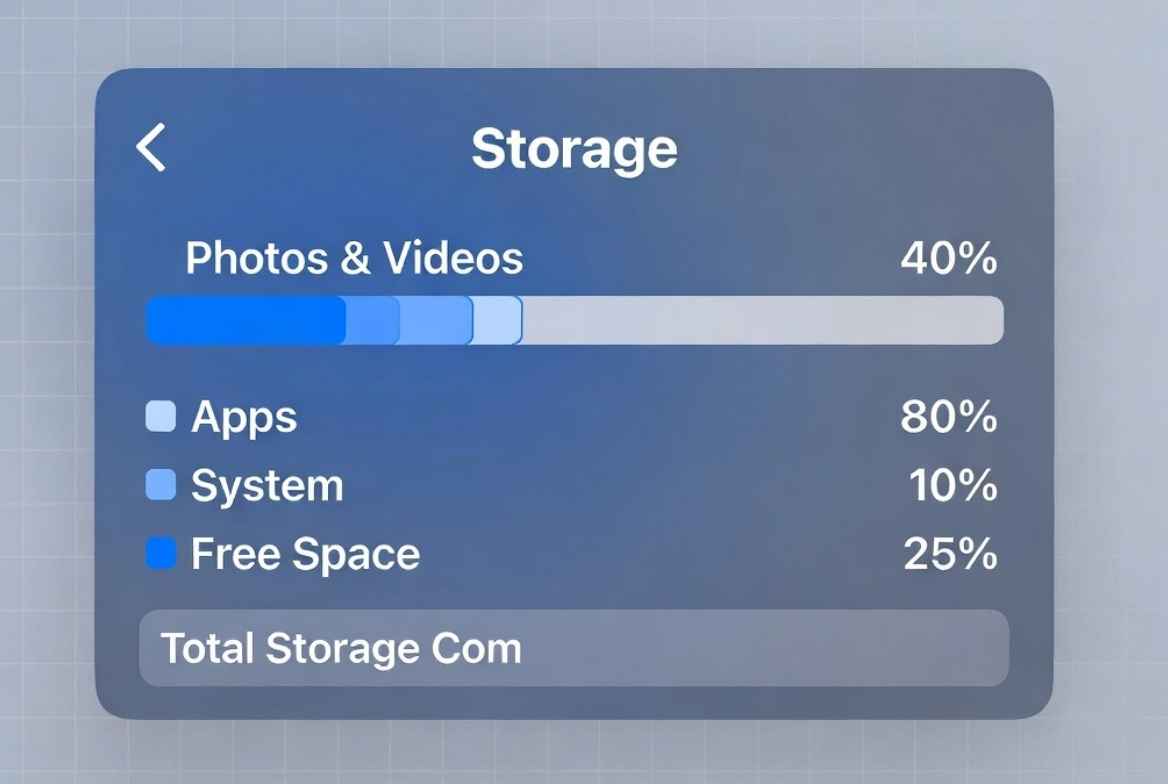
Phones and computers use two primary types of storage.
First is actual stored information: files, media, and programs on solid-state drives or hard drives. This retains data even without power. Clearing junk or backing up to USB engages this storage.
Second is Random Access Memory (RAM), used while the device is active for processing games, movies, and programs. More RAM means better performance. You don’t need to adjust RAM manually.
Computer storage holds your data persistently, while RAM handles active tasks. For the average user, keeping storage organized prevents slowdowns and crashes.
A Breakdown of Healthy Phone Storage
A healthy phone storage distribution:
- 35%: Photos & Videos
- 25%: Apps & Games
- 20%: Required Free Space
- 15%: System Data & Operating System
- 5%: Hidden Cache/Other
A Breakdown of Healthy Computer Storage
Healthy computer storage:
- 30%: Apps, Programs, & Games
- 30%: User Files & Media
- 20%: Required Free Space
- 15%: Operating System / OS
- 5%: Temporary Files & Cache
How to Manage Your Device Data
Go to Settings > Storage to analyze usage. Rules: Don’t delete required system files, back up important data first, and contact professionals if unsure.
Backing Up Your Data
Back up to thumb drive, external hard drive, or cloud storage (iCloud, Google Drive). Keep important data in at least two places.
How to Free Up Your Computer Storage
Quick wins for phones: Delete duplicate photos from messages, clear social media caches by adjusting in-app settings or deleting/reinstalling apps.
For computers: Clean forgotten downloads, review documents folder, empty trash bin.
Other areas: browser caches, temporary files, old backups.
If You Need Help, Contact The Pros
Computer Repair & Services can safely manage your storage.
For more information, Contact Us at 651-439-7544.


